
Contents
Getting to Know WebGIS
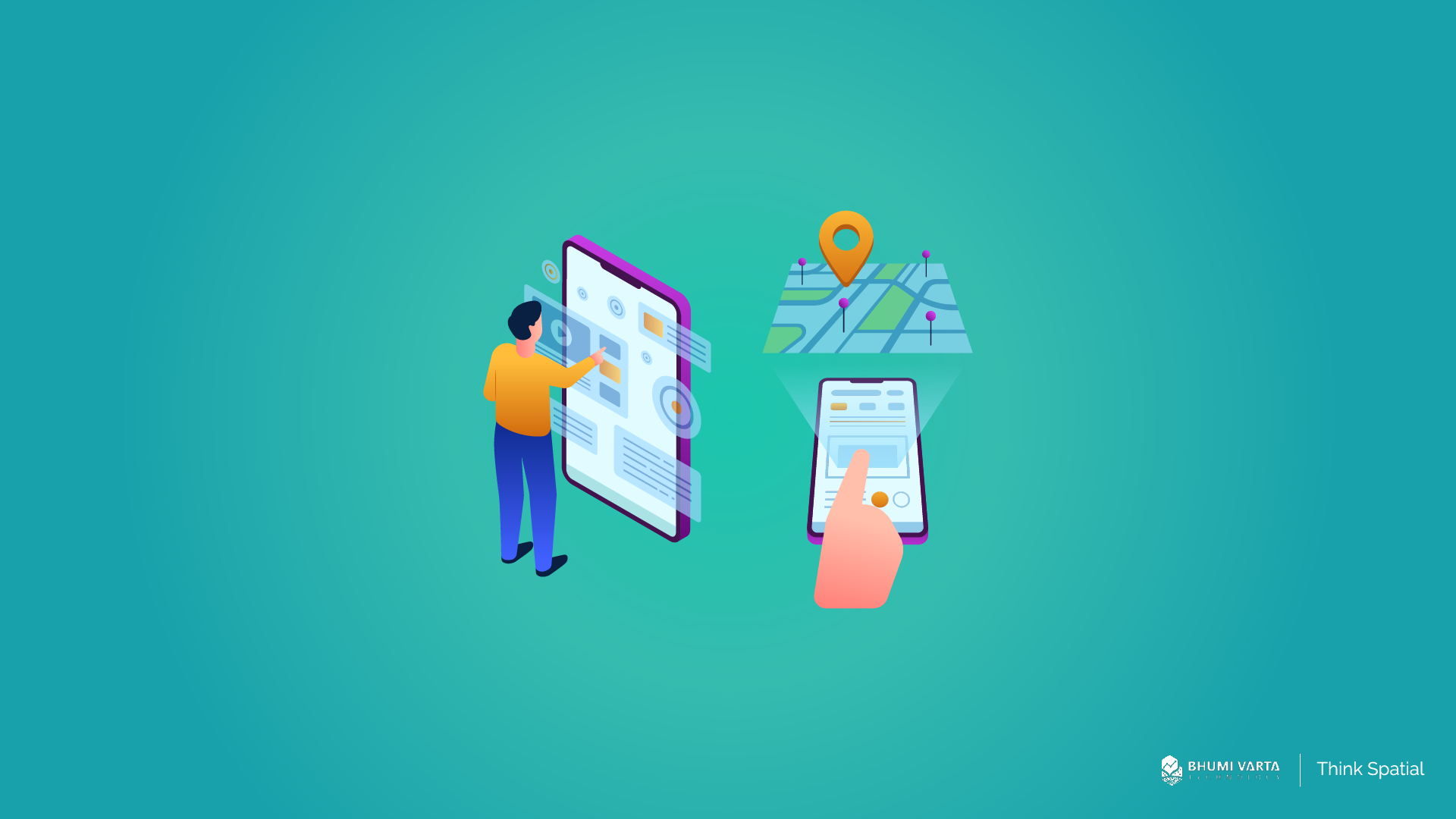
WebGIS is a system composed of software and/or hardware configurations designed to enable users to access, analyze, visualize, and share spatial data online via the internet. The system works by connecting two main components: the server and the client. The server functions as the core for storing and processing spatial data, typically a GIS server that contains information such as maps, location data, and other geospatial layers. The client, on the other hand, refers to the device or application used by the end user to access the data. This can be a web browser such as Google Chrome or Mozilla Firefox, a mobile app on a smartphone, or a dedicated desktop application. Each WebGIS server available online has a unique address in the form of a URL (Uniform Resource Locator), which acts like a “home address” on the internet. With this URL, clients can easily locate and connect to the WebGIS server to retrieve or display the spatial data they need. Through the interaction between the server and the client, the exchange of spatial information can occur dynamically and in real time, enabling users from various backgrounds to access and utilize location data more efficiently, flexibly, and practically, without being limited by physical location. Here are five key elements in Web GIS:- Each WebGIS server available online has a unique URL that can be accessed via the internet. This URL acts like an address, allowing clients (users) to locate and connect to the GIS services provided by the server through a web browser or a dedicated application.
- Clients—such as web browsers or mapping applications—use the HTTP (HyperText Transfer Protocol) standard to send requests to the server. These requests may involve accessing spatial data, retrieving maps, or querying specific geographic information.
- Once the server receives a request, it processes it by performing the requested GIS operations—such as rendering maps, analyzing geographic data, or retrieving specific spatial datasets. The results are then returned to the client using the HTTP protocol.
- The data or information sent by the server to the client can be presented in various formats depending on the type of request. Common formats include:
- HTML (HyperText Markup Language): for displaying interactive web content
- XML (Extensible Markup Language): for structuring data in a way that machines can interpret
- Binary image: such as map image files
- JSON (JavaScript Object Notation): a lightweight and widely used data format in web applications